正在加载页面
<inputs>
Ask me for: my featured Pokémon or starter trio, 8–12 Pokémon-themed UI states, and a royalty-free song around 120 BPM with a playful adventure or electronic feel. Confirm that the song’s license permits the intended use.Default palette: warm off-white, black, and Poké Ball red. Pokémon artwork keeps its original colors.
</inputs>

<direction>
A Pokémon-inspired UI motion film with Dribbble-level polish. Imagine a beautifully designed modern Pokédex: playful, precise, and instantly http://recognizable.One shape, never cut: a Poké Ball continuously morphs into every interface component by changing its size, radius, and color. Its central button, dividing line, and outer shell become the controls and structure of each new state. Content swaps with a short blur and carefully separated enter/exit timing.

A visible cursor drives every interaction with clicks, drags, and hover gestures. Use a light warm-gray canvas, clean Geist typography, consistent icon strokes, and crisp Pokémon artwork.

Use tightly damped springs with only a tiny overshoot. The camera smoothly reframes each state so the interface stays large and readable. The ending returns exactly to the opening Poké Ball for a seamless loop.

Banned: excessive bouncing, particle bursts, glows, gradients on UI chrome, mismatched icon strokes, dead time, generic dashboard layouts, abrupt scene changes, and unrelated floating elements.
</direction>

<structure>
120 BPM, 4/4 time, 7 bars: 28 beats, approximately 14 seconds. Something intentional happens on every http://beat.Bar 1 — Poké Ball activation

1. A closed Poké Ball sits centered; the cursor approaches.
2. The cursor clicks its central button.
3. The button becomes a circular scanning loader.
4. The scan resolves into a check, and the shell stretches into a compact Pokédex.

Bar 2 — Pokémon discovery
5. The Pokédex expands to reveal the featured Pokémon.
6. Its name, number, and type appear in a quick stagger.
7. The cursor clicks the cry/play control.
8. The control morphs into pause while a compact waveform animates.

Bar 3 — Trainer controls
9. The waveform flattens into a volume slider.
10. The cursor drags its Poké Ball-shaped knob to maximum.
11. Dragging beyond maximum elastically stretches the slider.
12. On release, it settles and compresses into a shiny-mode toggle.

Bar 4 — Pokémon details
13. The cursor flips shiny mode; the artwork changes to the correct shiny variant.
14. The toggle knob stretches into a liquid tab indicator.
15. The cursor selects “Stats.”
16. The card opens into a clean Pokémon stat chart.

Bar 5 — Stats to search
17. Stat bars draw themselves in sync with the beat.
18. The cursor hovers over a bar; a readable tooltip appears.
19. The chart retracts into the same container.
20. The container compresses into a Pokédex search field.

Bar 6 — Find and select
21. The search field expands into a command palette.
22. A short Pokémon name is typed; matching results filter.
23. The cursor selects a result, revealing its miniature artwork and type.
24. Enter confirms; the palette folds into an “Added to team” toast.

Bar 7 — Return to the Poké Ball
25. The toast’s confirmation mark becomes the Poké Ball’s central button.
26. The toast contracts; its edges become the circular shell.
27. The red upper half, white lower half, and black dividing line settle into place.
28. The cursor returns along a smooth path, matching the opening position and velocity as the loop wraps.

Use the chosen Pokémon consistently throughout. Keep visible text brief enough to read at this pace.
</structure>

<build>
1. Build one self-contained HTML file with a square 1440×1440 composition. Compute every animated style from time inside seek(t): no CSS transitions, timers, or state carried between frames.
2. Keep one persistent outer element throughout the sequence. Its internal artwork, labels, and controls may change, but the main silhouette must visibly connect every state.
3. Use closed-form spring step responses. For repeated target changes, sum one spring response per change so animation remains a pure function of time.
4. Give the tab indicator’s two edges different springs so the leading edge stretches ahead of the trailing edge. Apply the same technique to the toggle knob.
5. Make drags direct manipulation: while held, values follow cursor position. On release, use a closed-form spring matching the release position and velocity.
6. Analyze the supplied song with numpy to estimate the beat grid, verify the downbeat, and align the sequence. If the tempo differs from 120 BPM, adapt the timing to the actual music.
7. Use licensed UI sounds and align their measured transient peaks with clicks, confirmations, and morph accents.
8. Render with Playwright at four subframes per output frame. Blend each group of four with ffmpeg into a 60fps video for motion blur.
9. Render one preview frame per beat before the full video. Fix anything cramped, unreadable, visually disconnected, or off the beat grid.
10. Package artwork and fonts inside the HTML so rendering does not depend on network requests.
</build><gotchas>
Never put will-change on anything the camera scales; text can become blurry.Give outgoing and incoming content separate timing so labels never overlap during a morph.

Use accurate Pokémon artwork, names, types, shiny colors, and stats. Do not invent variants or stretch character artwork when the container changes shape.

Keep the main container recognizable through every transition. Pokémon artwork is content inside the morphing interface, not a replacement for the persistent shape.

Match the loop boundary exactly: geometry, content, camera, cursor position, and cursor velocity. Export the interval [0, duration) without duplicating the endpoint frame. Make the audio loop cleanly too.
</gotchas>

<start>
Ask me for the inputs, then show me the proposed Pokémon state list on the 28-beat grid before writing any code.
</start>
14 秒方形 UI 循环:精灵球随 120 BPM 节拍变成图鉴各界面,Playwright 渲染出运动模糊。 英文标题:Poké Ball morphing through Pokédex UI states 中文提示词译文: <inputs> 向我要这些:我的主打宝可梦或御三家、8–12 个宝可梦主题的 UI 状态,以及一首 120 BPM 左右、带俏皮冒险感或电子感的免版税歌曲。确认这首歌的授权允许预期用途。默认配色:暖米白、黑色和精灵球红。宝可梦原画保留原本的颜色。 </inputs> <direction> 一部受宝可梦启发的 UI 动效短片,达到 Dribbble 级的精致度。想象一台设计精美的现代宝可梦图鉴:俏皮、精准、一眼就能认出来。一个形状,全程不切镜:精灵球通过改变大小、圆角和颜色,连续变形成每一个界面组件。它的中央按钮、分割线和外壳变成每个新状态的控件和结构。内容切换时带一个短暂的模糊,入场和出场的时间要仔细错开。 一个可见的光标用点击、拖拽和悬停手势驱动每一次交互。使用浅暖灰画布、干净的 Geist 字体、统一的图标描边,以及清晰锐利的宝可梦原画。 使用阻尼很紧、只带一点点过冲的弹簧。镜头平滑地为每个状态重新取景,让界面始终够大、看得清。结尾精确回到开场的精灵球,形成无缝循环。 禁止:过度弹跳、粒子爆发、辉光、UI 外框上的渐变、不统一的图标描边、空白时间、千篇一律的仪表盘布局、突兀的场景切换,以及无关的漂浮元素。 </direction> <structure> 120 BPM,4/4 拍,7 小节:28 拍,约 14 秒。每一拍都要有刻意安排的动作。第 1 小节 — 激活精灵球 1. 一个闭合的精灵球居中;光标靠近。 2. 光标点击它的中央按钮。 3. 按钮变成一个圆形扫描加载器。 4. 扫描完成变成对勾,外壳拉伸成一个小巧的宝可梦图鉴。 第 2 小节 — 发现宝可梦 5. 图鉴展开,露出主打宝可梦。 6. 它的名字、编号和属性快速错落出现。 7. 光标点击叫声/播放控件。 8. 控件变形为暂停,同时一段小巧的波形动起来。 第 3 小节 — 训练家控件 9. 波形压平成一个音量滑块。 10. 光标把精灵球形状的滑钮拖到最大。 11. 拖过最大值时,滑块被弹性拉长。 12. 松手后,它回稳并压缩成一个闪光模式开关。 第 4 小节 — 宝可梦详情 13. 光标打开闪光模式;原画换成正确的闪光版本。 14. 开关滑钮拉伸成一个液态的标签页指示器。 15. 光标选中“Stats”。 16. 卡片展开成一张干净的宝可梦能力值图表。 第 5 小节 — 从能力值到搜索 17. 能力值条随节拍自己画出来。 18. 光标悬停在一根条上;出现一个清晰可读的提示框。 19. 图表缩回同一个容器。 20. 容器压缩成图鉴的搜索框。 第 6 小节 — 查找与选择 21. 搜索框展开成一个命令面板。 22. 输入一个简短的宝可梦名字;匹配结果随之筛选。 23. 光标选中一个结果,露出它的小图和属性。 24. 回车确认;面板折叠成一条“Added to team”提示。 第 7 小节 — 回到精灵球 25. 提示里的确认标记变成精灵球的中央按钮。 26. 提示框收缩;它的边缘变成圆形外壳。 27. 红色上半部、白色下半部和黑色分割线归位。 28. 光标沿一条平滑路径返回,在循环衔接处与开场的位置和速度一致。 全程统一使用选定的宝可梦。画面上的文字要足够简短,保证在这个节奏下读得完。 </structure> <build> 1. 做一个自包含的 HTML 文件,画面为 1440×1440 的正方形。所有动画样式都在 seek(t) 里由时间算出:不用 CSS transition、不用定时器,帧与帧之间不保留状态。 2. 整个序列始终保留一个持久的外层元素。内部的原画、标签和控件可以变,但主体轮廓必须在视觉上把每个状态连起来。 3. 使用闭式解的弹簧阶跃响应。目标值多次改变时,每次改变叠加一个弹簧响应,让动画保持为时间的纯函数。 4. 给标签页指示器的两条边用不同的弹簧,让前沿先于后沿拉伸。开关滑钮也用同样的手法。 5. 拖拽要做成直接操控:按住时数值跟随光标位置。松手时,用一个与松手时位置和速度相匹配的闭式弹簧。 6. 用 numpy 分析提供的歌曲,估算节拍网格,核对强拍,并对齐整个序列。如果速度不是 120 BPM,就按实际音乐调整时间。 7. 使用有授权的 UI 音效,把它们实测的瞬态峰值对齐到点击、确认和变形的重音上。 8. 用 Playwright 渲染,每个输出帧 4 个子帧。用 ffmpeg 把每 4 个一组混合成 60fps 视频,得到运动模糊。 9. 渲染完整视频之前,先每拍渲染一张预览帧。修掉任何拥挤、看不清、视觉上断开或不在节拍网格上的地方。 10. 把原画和字体打包进 HTML,让渲染不依赖网络请求。 </build><gotchas> 绝不要给任何被镜头缩放的元素加 will-change,否则文字可能变糊。出场和入场的内容要分开计时,保证变形过程中标签永不重叠。 使用准确的宝可梦原画、名字、属性、闪光配色和能力值。不要编造变体,容器变形时也不要拉伸角色原画。 每次过渡都要让主容器保持可辨认。宝可梦原画是变形界面里的内容,不是那个持久形状的替代品。 循环边界要精确匹配:几何形状、内容、镜头、光标位置和光标速度。导出区间 [0, duration),不要重复终点帧。音频也要能干净地循环。 </gotchas> <start> 先向我要这些输入,然后在写任何代码之前,给我看在 28 拍网格上拟定的宝可梦状态列表。 </start> 使用工具:playwright, ffmpeg, claude-app 需要输入:music 原始发布:https://x.com/TheGrootDev/status/2103516567824966114 来源许可/权利说明:CC BY 4.0(仓库采用 CC BY 4.0;社区 Prompt 与视频权利归原作者并受原帖条款约束,保留完整归属)
继续探索相似创作思路
Social Media Post - Watercolor Anime Fashion Illustration from Photo

commerce Main Image - Rhode Lip Treatment Comparison Ad
commerce Main Image - Deadpan Character Product Photo Prompt
Medieval MMORPG Inventory UI Screenshot
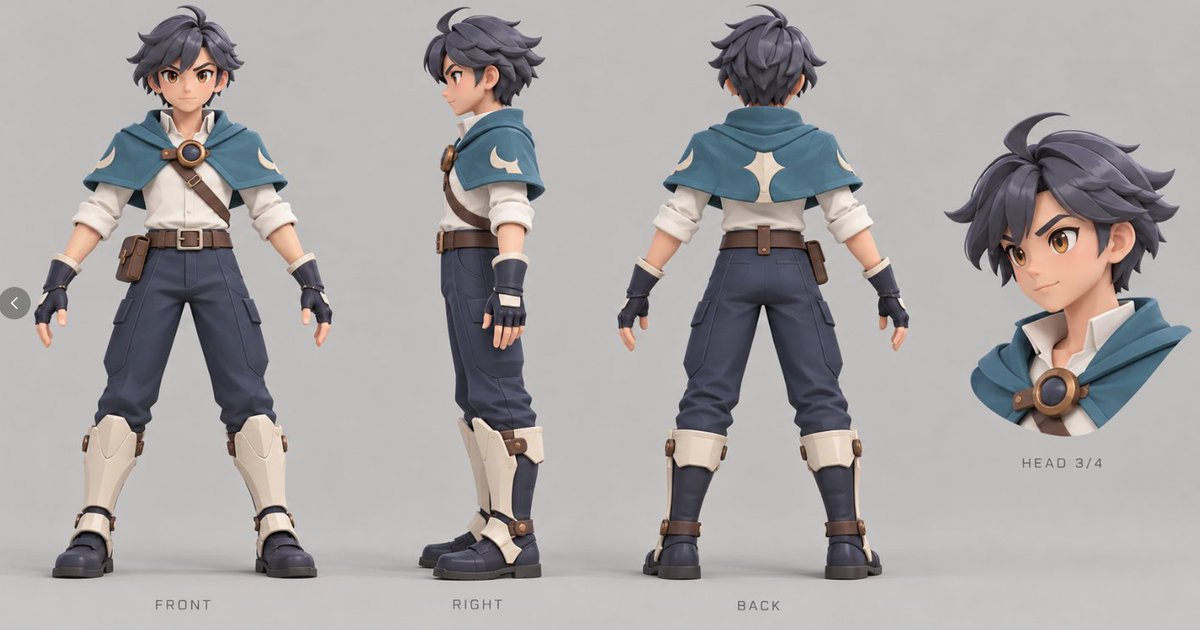
Anime Character Turnaround Sheet
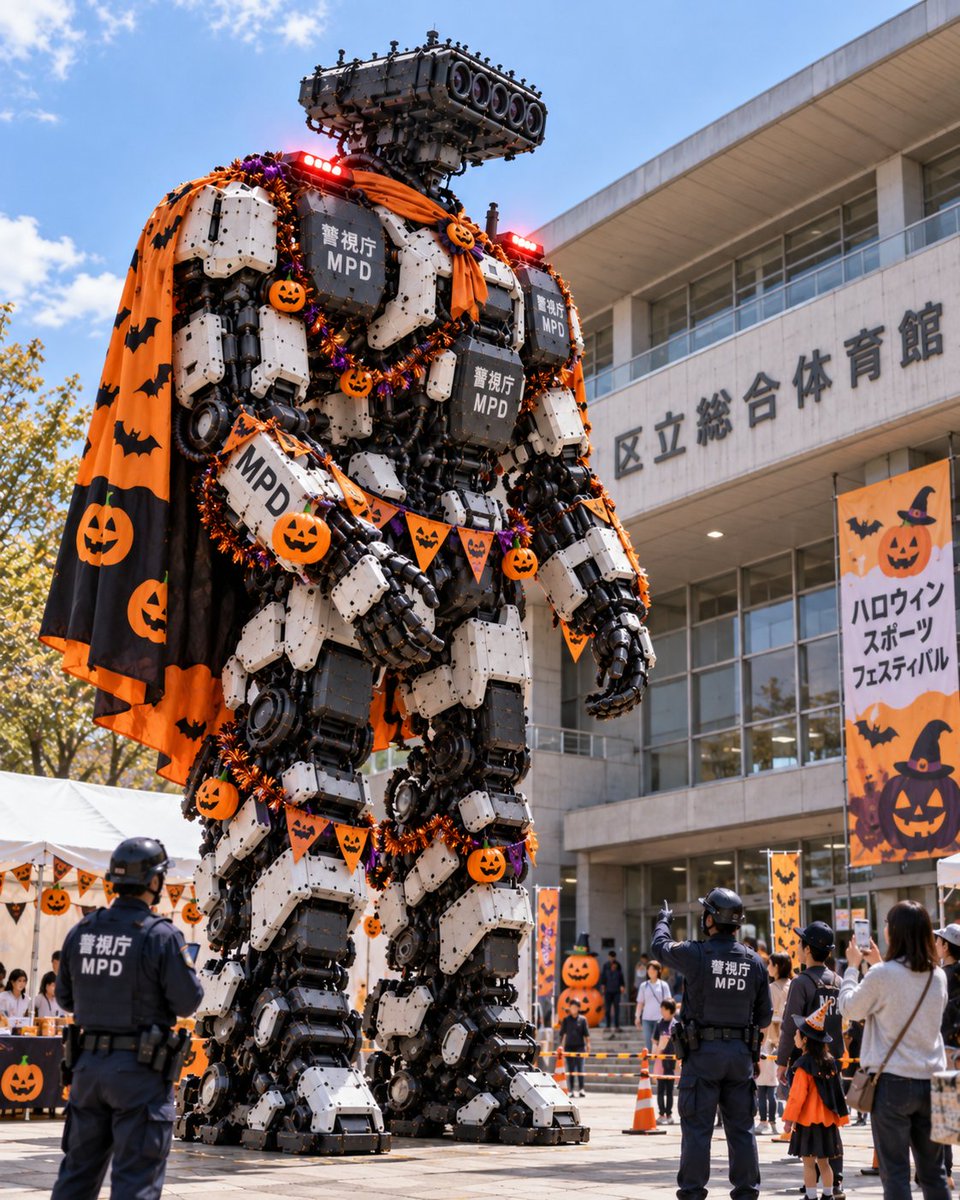
Halloween Robot at Tokyo Gym